
.svg)


How to Set Up and Use Google Smart Lock for Home Security

Are you tired of worrying about losing your house keys or accidentally leaving them inside? Looking for a smarter way to enhance your home security?
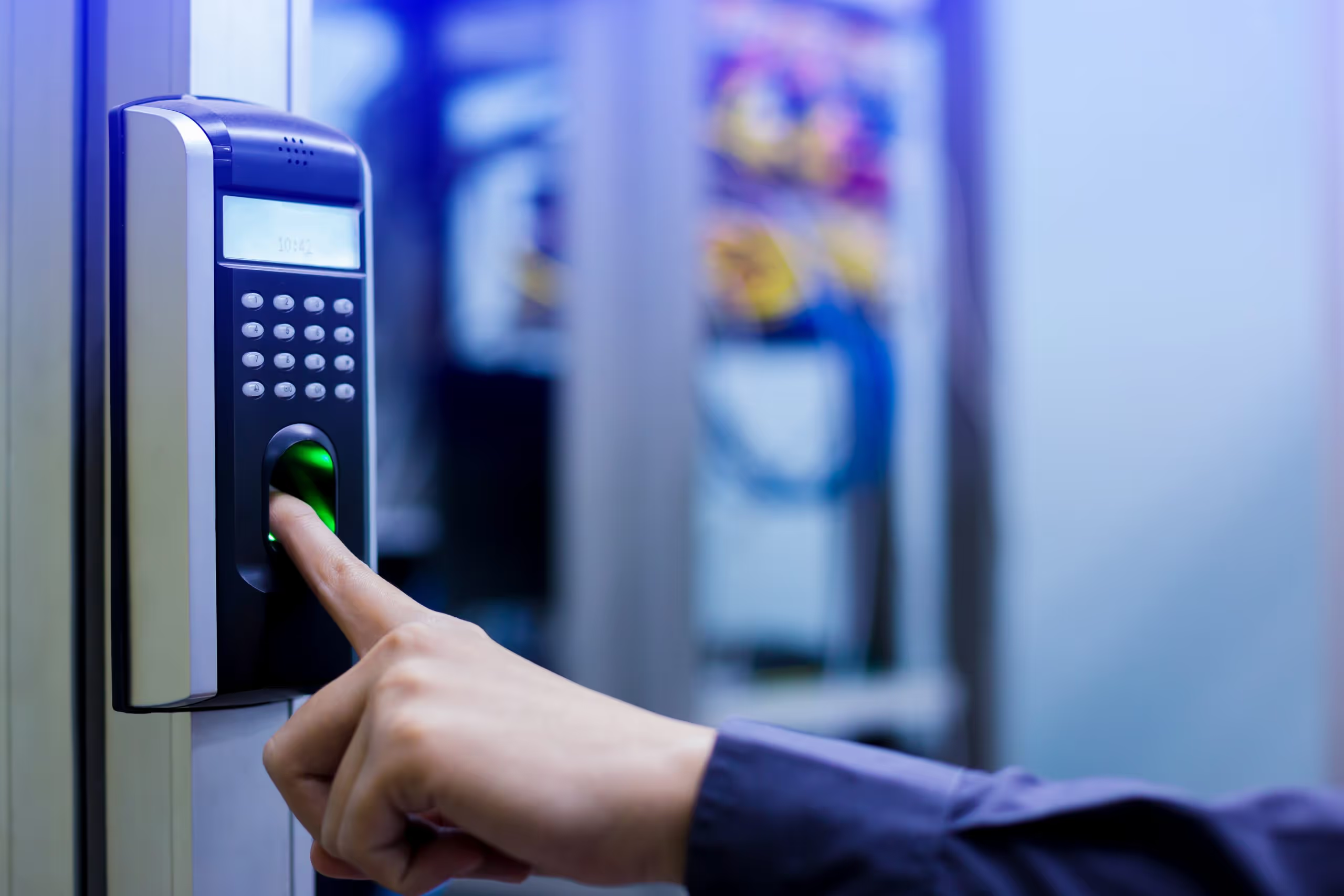
Google Smart Lock allows you to control access to your home using your smartphone, smartwatch, or other compatible devices. It makes unlocking your smart lock door, garage, or gate easier without relying on traditional keys.
In this blog post, we’ll explain what Google Smart Lock is, how to set it up, and how to use it effectively for better home security.
What is Google Smart Lock?
Google Smart Lock is a feature that allows you to use your smartphone or other compatible devices to manage access to your home. It connects your smart devices to your Google account so you can unlock your smart lock for door, garage, or gate digitally.
With Google Smart Lock:
- You don’t need to carry physical keys
- You can grant virtual access to friends or family
- You can manage multiple smart home devices from one system
It also works with other smart home products such as security cameras and smart lighting, helping you monitor and control your home remotely. Many homeowners upgrading to smart lock Dubai solutions choose systems compatible with Google for added convenience.
How to Set Up Google Smart Lock
Setting up Google Smart Lock is simple, but you need compatible devices.
Step 1: Check Compatibility
Visit the official Google Smart Lock page and confirm your smart lock and devices are supported. Make sure your smart door lock system works with Google before proceeding.
Step 2: Install the Smart Lock App
Download and install the required smart lock app from the Google Play Store or Apple App Store, depending on your device.
Step 3: Add Your Devices
Open the app and follow the instructions to connect your smart lock and other devices to your Google account.
Step 4: Set Up Virtual Keys
Invite family members or trusted individuals through the app and assign virtual keys. You can create time-based access for temporary users.
Step 5: Test the System
Lock and unlock your smart lock door using your smartphone or smartwatch to ensure everything is working correctly.
If you are unsure about configuration or compatibility, professional assistance from Mr. Locksmith can help ensure proper smart lock installation and setup.
How to Use Google Smart Lock for Home Security
Once installed, here’s how to use it effectively:
Tip 1: Use Virtual Keys Carefully
Only share access with trusted individuals. Use time-based permissions to reduce security risks.
Tip 2: Enable Guest Access
Grant temporary access for deliveries, maintenance workers, or short-term visitors. Access is automatically revoked after the set time.
Tip 3: Monitor Your Home Remotely
Connect your system with cameras and lighting. Using your phone, you can check activity anytime, especially useful for smart lock Dubai homeowners who travel frequently.
Tip 4: Set Up Notifications
Enable alerts for events like door unlocks or failed access attempts. This helps you track who enters and exits your home.
Tip 5: Secure Your Devices
Protect your smartphone with a strong PIN or password. Keep your apps and operating system updated to maintain security.
Tip 6: Enable Two-Factor Authentication
Adding two-factor authentication increases protection by requiring additional verification, such as fingerprint or facial recognition.
Tip 7: Use Voice Commands
If you have Google Assistant, you can lock or unlock your smart lock for door using voice commands.
Tip 8: Consider Professional Support
While Google Smart Lock improves convenience and security, proper setup is essential. Professional smart lock installation ensures your system functions correctly and securely.
Conclusion
Google Smart Lock is a practical way to upgrade your home security using modern technology. It offers keyless entry, remote monitoring, virtual access management, and integration with other smart home devices.
By setting up alerts, securing your devices, and managing access responsibly, you can maximize the benefits of your system. Whether you're installing a new smart lock solution or upgrading an existing one, the right setup ensures safety and convenience for your home.
For all kinds of installation or configuration of your smart lock, contact Mr. Locksmith today.

Visit Our Shop in International City, Dubai
We operate from our physical location in Russia Cluster, International City, serving customers across Marina, Downtown, JBR, Business Bay and surrounding communities. Whether you prefer to visit us or request mobile assistance, our team is ready to help.
.webp)
.webp)
.webp)
.webp)
.webp)
.webp)
.webp)
.webp)
.webp)
.webp)
Need Help Now or Just Need Answers?
A locksmith service should not feel like a gamble. It should feel like control being restored—calmly, professionally, and without surprises.




.webp)